Income And Expense Management
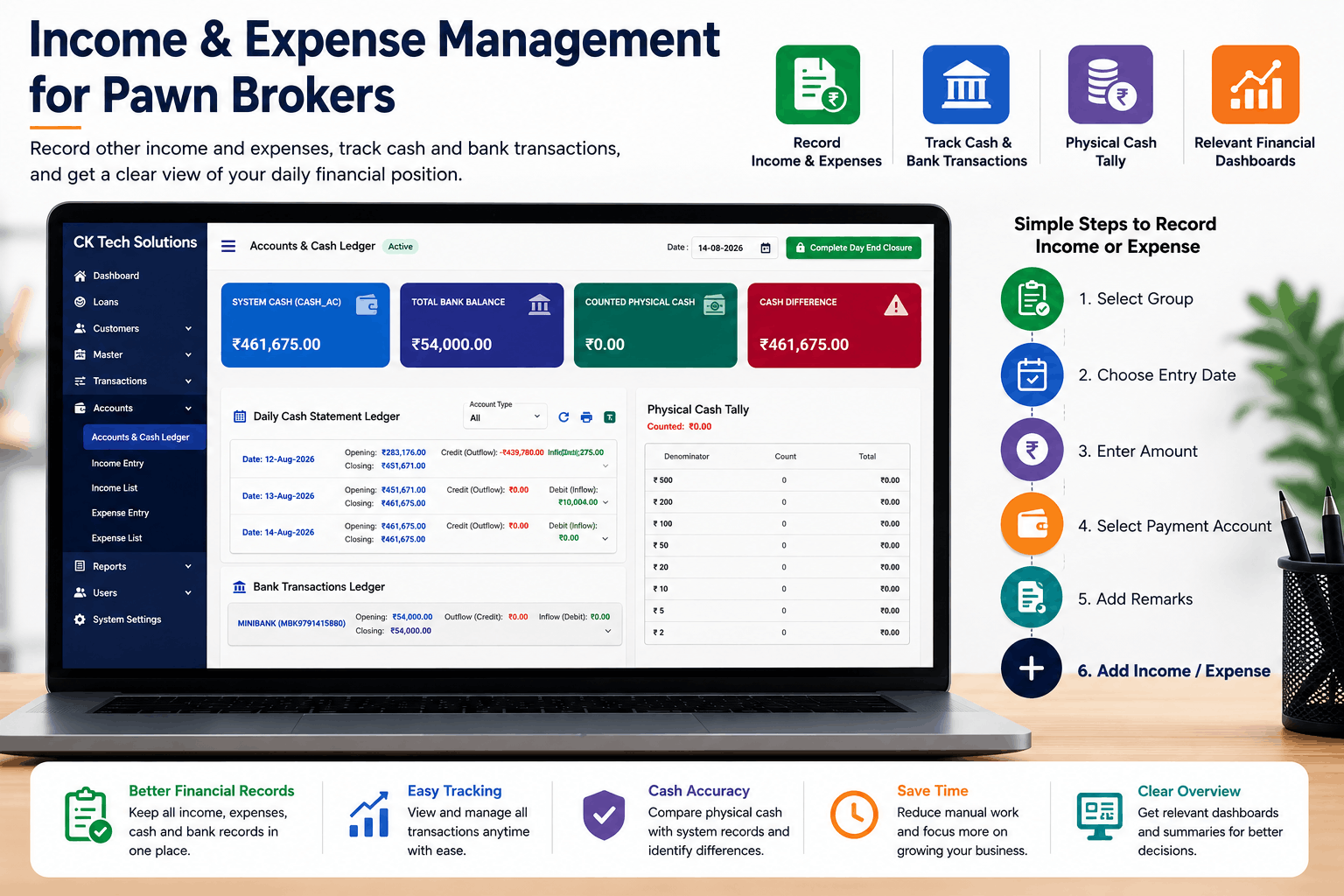
Income and Expense Management for Pawn Brokers
When it comes to managing a pawn business, it’s not just about tracking pawn loans and customer data. Within a day, a pawn shop may receive income through various means and spend money on other activities, such as salaries, rent, transport, office expenses and more.
By recording all transactions, it becomes easier to track the flow of money and keep proper records.
However, as a growing business, it may become hard to keep track of every income and expense in notebooks or separate spreadsheets.
With a centralized system, you can organize and record day-to-day transactions with ease.
Importance of Tracking Income and Expense
For a pawn shop, there may be multiple transactions that take place daily. These include:
- Other income
- Interest received
- Salary expenses
- Rent and office expenses
- Transport expenses
- Bank transactions
- Cash transactions
- Other business expenses
Without proper recording and organization of these transactions, it may be hard to track income received or money spent and their sources.
By having proper records of all the income earned and expenses made, it becomes easier to track finances on a daily basis.
How Businesses Generally Track Income and Expenses
Most businesses track their income and expenses manually or using separate accounting systems. While this may be sufficient for a small number of transactions, it can become tedious and time-consuming as the business grows and more transactions take place.
Moreover, it can be hard to locate previous transactions or have a clear picture of the cash and bank balances at any given time.
By having a centralized system to track all financial activities and accounts, it becomes easier to organize daily income and expenses.
Tracking Other Income and Expenses with CK Tech Solutions Pawn Broking Software
CK Tech Solutions Pawn Broking Software offers the flexibility of recording other income and expenses. From the Income Entry and Expense Entry dashboards, one can record the following:
Moreover, the Income List and Expense List dashboard options offer a simplified view of previously recorded income and expense transactions, respectively. This allows for organized and centralized tracking of transactions that don’t directly relate to pawn loans.
Track Other Income and Expenses
Not all transactions made by a pawn business are related to pawn loans. For instance, one may receive income from another source or pay expenses related to salaries, fuel, office supplies, maintenance or other activities.
With CK Tech Solutions Pawn Broking Software, you can record other income and expenses with ease. Simply specify the group, amount, payment account and remarks for each transaction.
Cash and Bank Transactions
Cash and bank transactions play a major role in day-to-day financial management and should, therefore, be tracked properly.
With the Accounts & Cash Ledger option in CK Tech Solutions Pawn Broking Software, you can view the following:
System Cash
Total Bank Balance
Counted Physical Cash
Cash Difference
Daily Cash Statement
Bank Transactions
Having this information in one place makes it easier to monitor cash flow and have a clear picture of the finances.
Daily Cash Statement
In most cases, one may need to track how much cash was available at the start of a day, how much cash came in or went out and the closing balance.
The Daily Cash Statement Ledger dashboard offers a simplified view of the day’s cash flow statistics. By having all this information in one place, it becomes easier to have a clear view of the day’s cash flow situation.
Physical Cash Tally
The system’s recorded cash needs to tally with the actual physical cash available at a particular branch or office. In case of differences between the two, it’s important to track the source of the discrepancy.
The Physical Cash Tally option makes it possible to track the cash physically. By entering the number of notes of each denomination, the software can calculate the total cash amount.
This information can then be used to compare with the system cash and identify any cash variances.
Relevant Financial Dashboards
Although it’s important to track all financial activities in a pawn business, having the relevant balances and statements at one glance can make financial management easier.
With the CK Tech Solutions Pawn Broking Software, users can view a number of summaries that provide a brief summary of the financial situation.
Overview of Other Income and Expenses Recording
With CK Tech Solutions Pawn Broking Software, you can track other income and expense transactions with ease.
To Record Income
- Open Income Entry
- Select the relevant income group
- Set the entry date
- Specify the amount
- Choose the payment account
- Add remarks
- Click Add Income
The newly added income will then show up in the Income List dashboard.
Similarly, you can record expenses by opening the Expense Entry dashboard and following similar steps. Once an expense has been recorded, it will be available in the Expense List dashboard.
Income and Expense Management Benefits
Better Financial Records
Income and expense transactions can be recorded and organized in one place.
Easy Transaction Tracking
View previously recorded income and expense entries with ease.
Cash and Bank Visibility
Track cash and bank movements using the Accounts & Cash Ledger option.
Physical Cash Checking
Use Physical Cash Tally to check physical cash against system cash.
No Manual Record Books
Record transactions directly in the application instead of using separate manual books.
Clearer Financial Overview
Use relevant summaries and dashboards to get a clearer view of the financial situation.
Better Daily Management
Proper records of daily income, expenses, cash flow and bank balances make daily financial management easier.
Frequently Asked Questions
Conclusion
Keeping track of other income and expenses plays a significant role in financial management for pawn brokers. As a growing business, it may become hard to keep track of all transactions manually.
By using CK Tech Solutions Pawn Broking Software, you can record income and expense transactions easily. With the Income Entry and Expense Entry options, you can organize and record daily financial activities in one place.
Moreover, the system offers the Daily Cash Statement Ledger, Accounts & Cash Ledger, Physical Cash Tally and other relevant dashboards to help monitor daily cash flow and make informed financial decisions.
For businesses that use pawn broking software, jewellary loan software, pawn broker software, gold loan software, gold financing software or pawn broking and replege software, it may be easier to monitor finances when using income, expense and cash management features in the same system.
Related Articles
You Might Also Like

Customizable Reports in Pawn Broking Software | CK Tech Solutions

Mobile App for Pawn Brokers | FinApp Pawn Broking Software
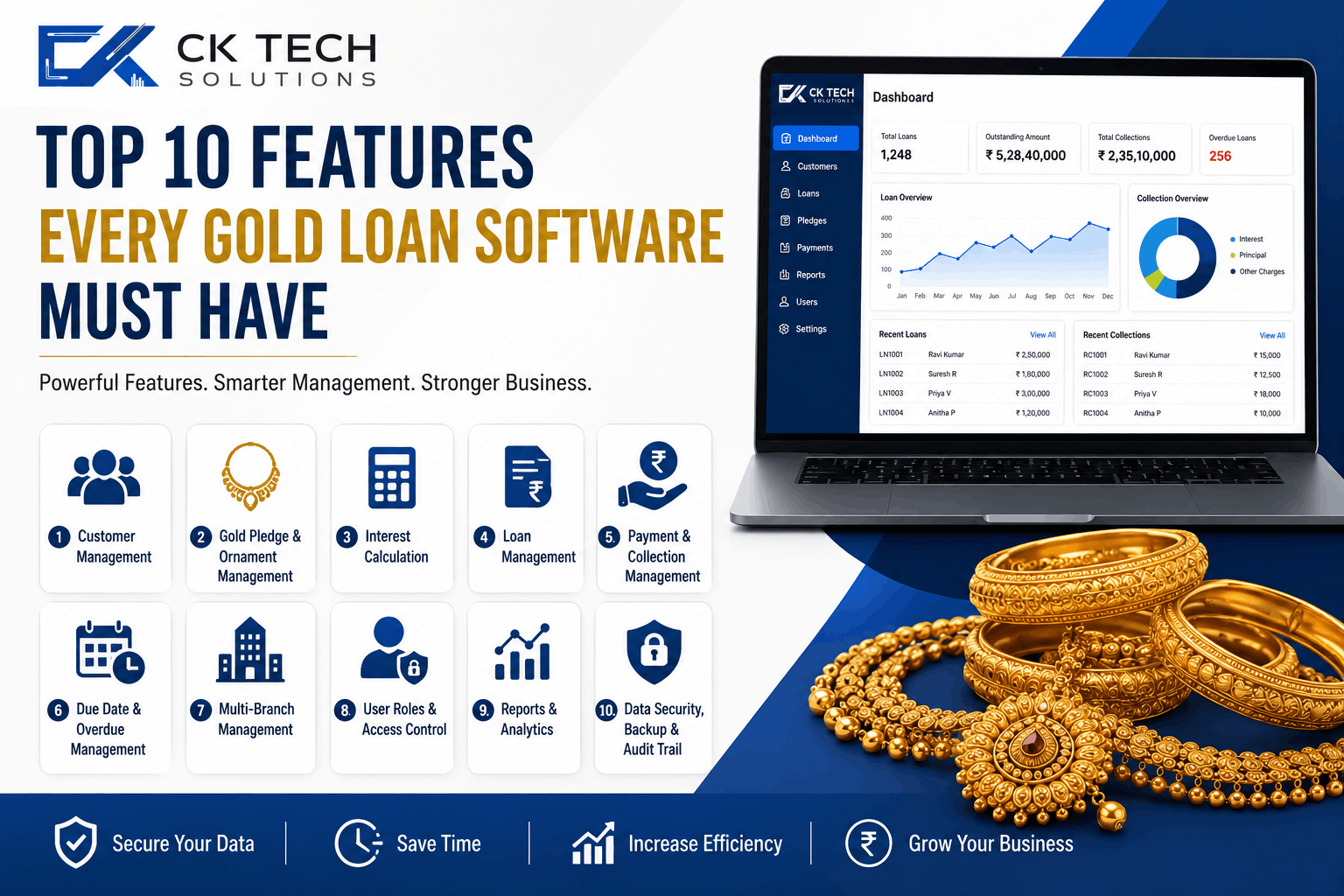
Top 10 Features Every Gold Loan Software Must Have

Pawn Broker Notification Software | CK Tech Solutions
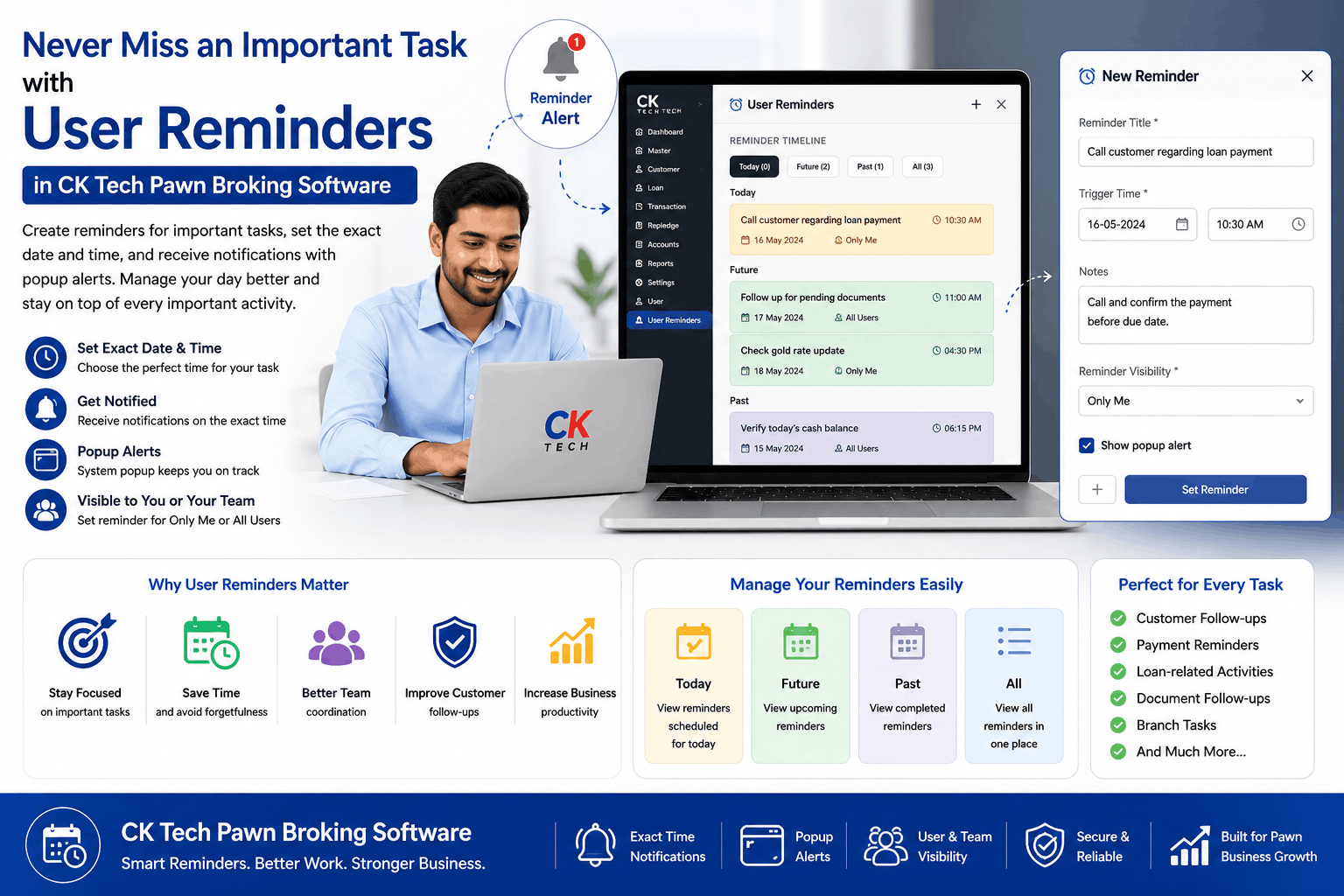
Pawn Broker Reminder Software
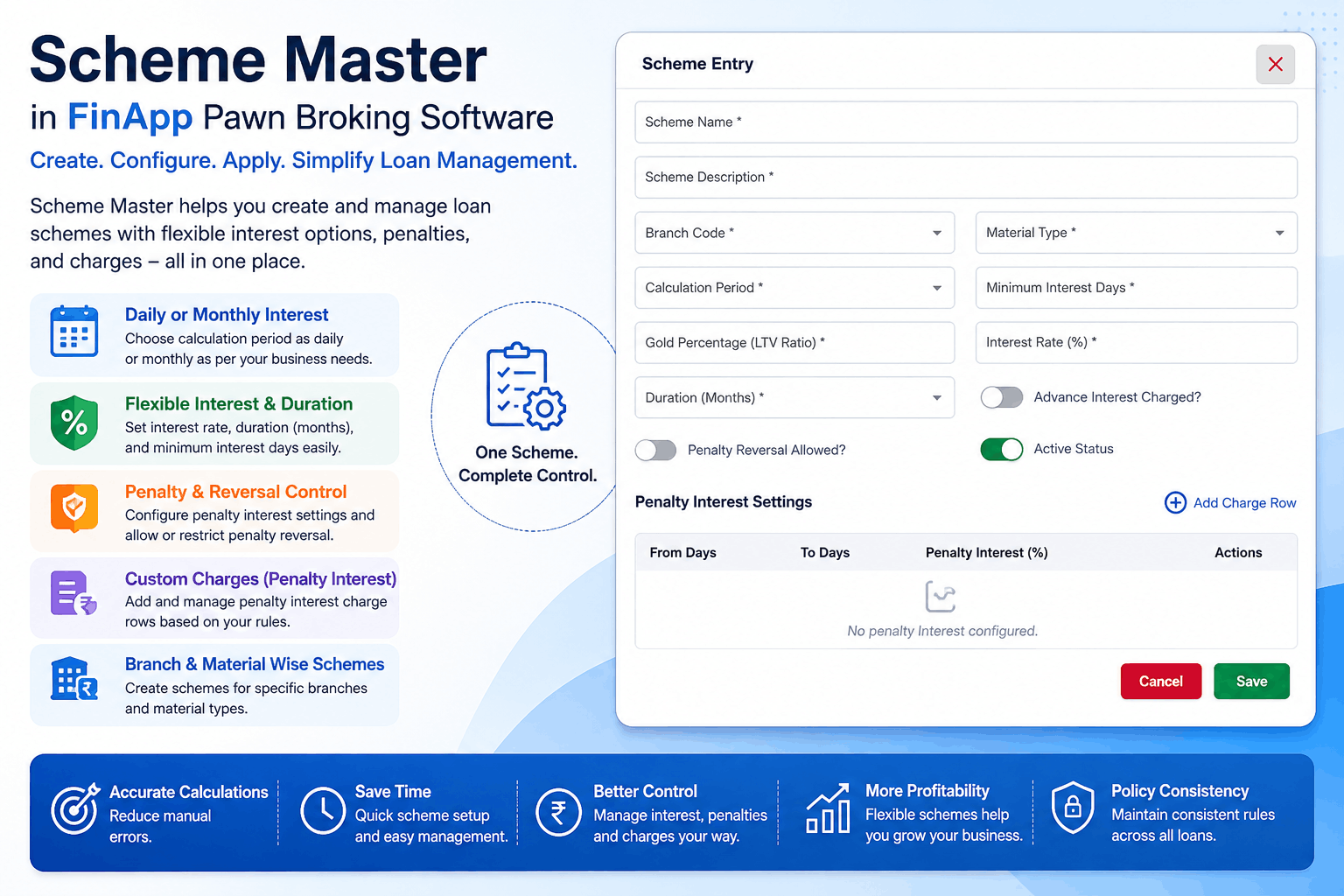
Scheme Master in Pawn Broking Software | FinApp

Auction Management Software for Pawn Brokers | FinApp Pawn Broking Software