Pawn Broker Reminder Software
Running a pawn business means a lot of things to do throughout the day. In addition to processing loans and receiving payments, pawn brokers and their staff may have to follow up with customers, check documents, call, do pending work, and more.
If there are multiple things to do at a given moment, something always seems to slip away.
With a simple reminder system, businesses can keep track of all the activities, which are not as simple as relying only on their memory, paper notes, or other third-party reminder apps. The important tasks can be stored and scheduled for a specific time.
That way, daily operations can be more organized, and the staff can focus on what needs to be done.
Why Pawn Brokers and Their Staff Need Reminders
There are many things to do in a pawn shop on a daily basis. Some things need to be done right away, while some need to be planned and carried out later.
For example, a staff member may have to:
- Call a customer about a loan
- Follow up with a pending payment
- Check customer’s documents
- Follow up with a customer
- Do a task related to a loan
- Remind someone else about a task
- Do a task related to a branch
If the above tasks are not stored properly, they can be easily forgotten.
A reminder system will allow the staff to enter a task, and remind them about it at a selected time.
How Reminders Can Help With Daily Tasks
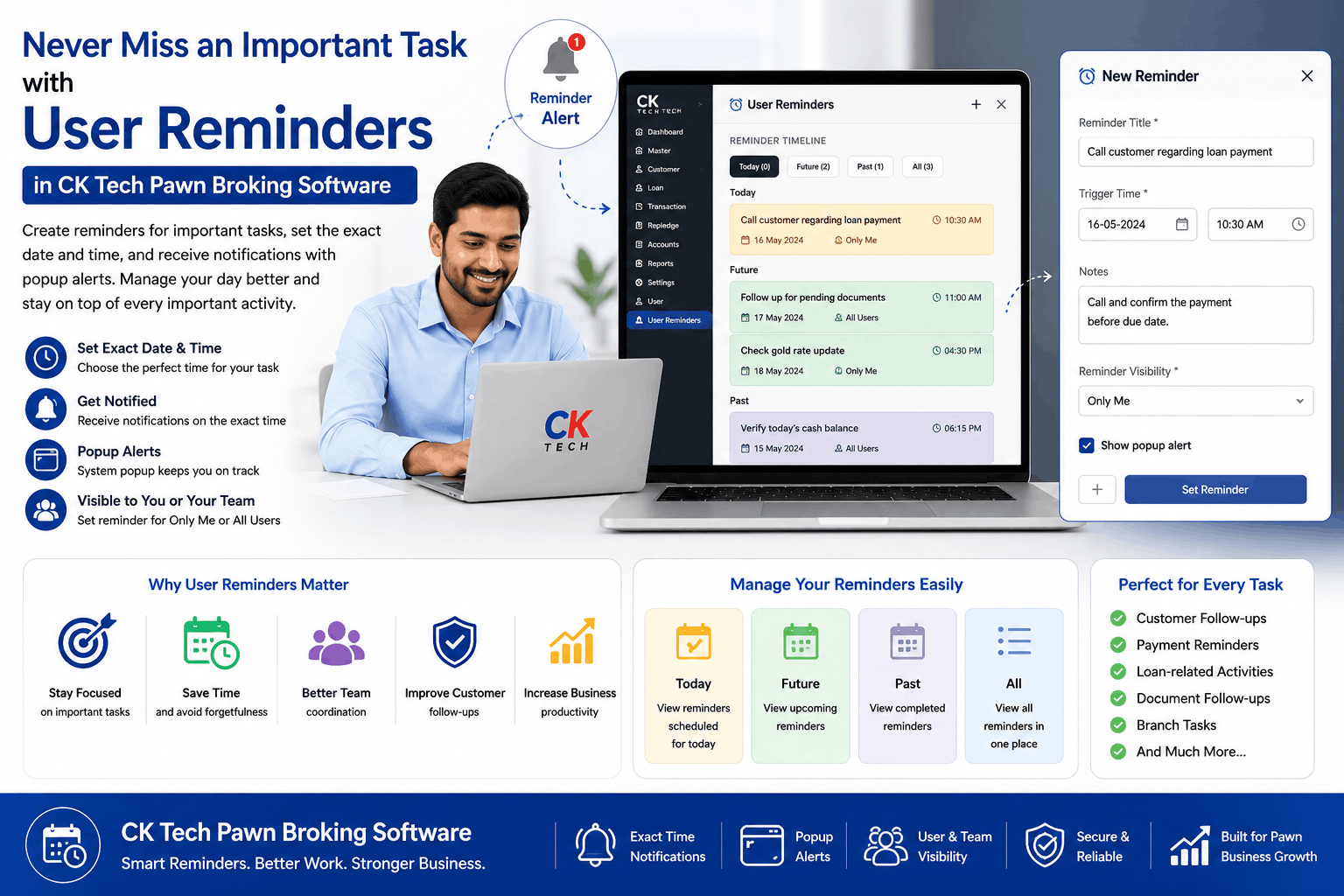
Reminders can help with individual and team tasks. A team member can create a reminder for a particular task, and set the date and time when they want to be notified. In addition, a brief description can be added in the Notes field, indicating the specific instructions for that task.
Example Reminder
Task: Customer Follow Up
Time: 10:30 AM
Note: Call the customer about the pending payment.
When the reminder pops up, the staff have to perform the said task. With this simple yet effective method, pawn shops can avoid forgotten tasks, and make daily operations a lot easier.
Personal and Team Reminders
Each task has personal and impersonal traits. Some tasks may only concern one person, while some tasks maybe meant for the whole team.
In this case, a personal reminder system would be necessary, where a staff member can create a reminder only for themselves. On the other hand, a team task maybe created, where the whole staff can view it.
For example, a staff member can have a personal reminder for calling a customer. At the same time, a branch task maybe created, and visible for all users.
A reminder system with personal and team visibility will be helpful for different business activities.
Why Popup Alerts Are Useful
At the time when the task has to be done, a popup alert is extremely useful for notifying the user.
It becomes a lot easier for an employee to focus on the task at hand instead of constantly switching between their work and a notebook or another reminder application.
With popup alerts, the reminder will literally come to the user, especially since most of them spend the majority of their working hours inside the application.
How CK Tech Solutions Pawn Broking Software Can Help Pawn Shops
CK Tech Solutions Pawn Broking Software has a feature called User Reminders that can help pawn brokers and their staff manage their daily tasks.
To set a reminder, a user has to:
- Fill in the Reminder Title field
- Specify the Trigger Time
- Fill in the Note field (optional)
- Set the Reminder Visibility (Only Me / All Users) – optional
- Enable Show Popup Alert – optional
- Click Set Reminder
The reminder is now created, and will appear in the User Reminders section.
User Reminders View in CK Tech Solutions Pawn Broking Software
CK Tech Solutions Pawn Broking Software comes with a number of reminder views, allowing staff to view their scheduled tasks conveniently:
Today
View reminders scheduled for today.
Future
View upcoming reminders.
Past
Review previous reminders.
All
View all reminders.
These views allow the user to see the reminders that are due today, in the future, in the past, and all reminders in one view. That way, it will be easier for users to keep track of what they need to do throughout the day.
How to Create a Reminder in CK Tech Solutions Pawn Broking Software
The reminder will then appear in the User Reminders section.
How Reminders Can Be Used for Different Pawn Shop Activities
This simple yet effective tool can be utilized for various day-to-day activities, such as:
If a business relies on pawn broking software, gold loan software, jewellery loan software, pawn broking and repledge software, etc., having an integrated reminder system will make daily operations a lot easier.
Frequently Asked Questions
Conclusion
Reminders may be a relatively simple tool, but they can prove to be a great asset, especially for a pawn business that serves many customers, processes many loans, and has an extensive list of daily tasks.
Having a proper reminder system will ensure that the staff will do all the important tasks, from following up with customers to completing time-sensitive activities.
CK Tech Solutions Pawn Broking Software helps its users stay on top of all daily tasks with its integrated User Reminders functionality. The pawn brokers and their staff can schedule their tasks, set the specific instructions for each task, set the visibility, and receive popup notifications when a task is due. That way, the business will stay productive while managing all the day-to-day activity.
Related Articles
You Might Also Like

Customizable Reports in Pawn Broking Software | CK Tech Solutions
Mobile App for Pawn Brokers | FinApp Pawn Broking Software
Top 10 Features Every Gold Loan Software Must Have
Income And Expense Management
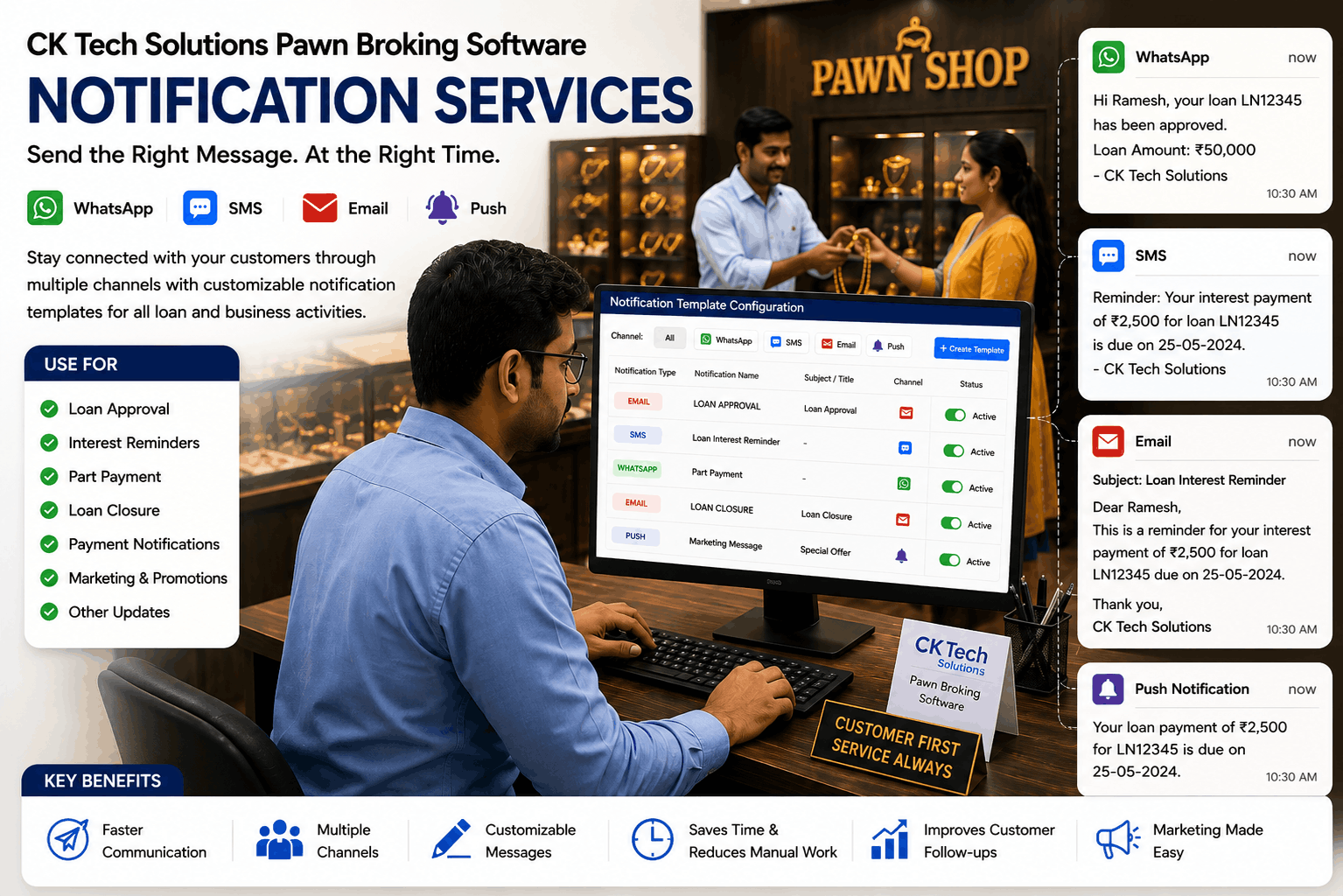
Pawn Broker Notification Software | CK Tech Solutions
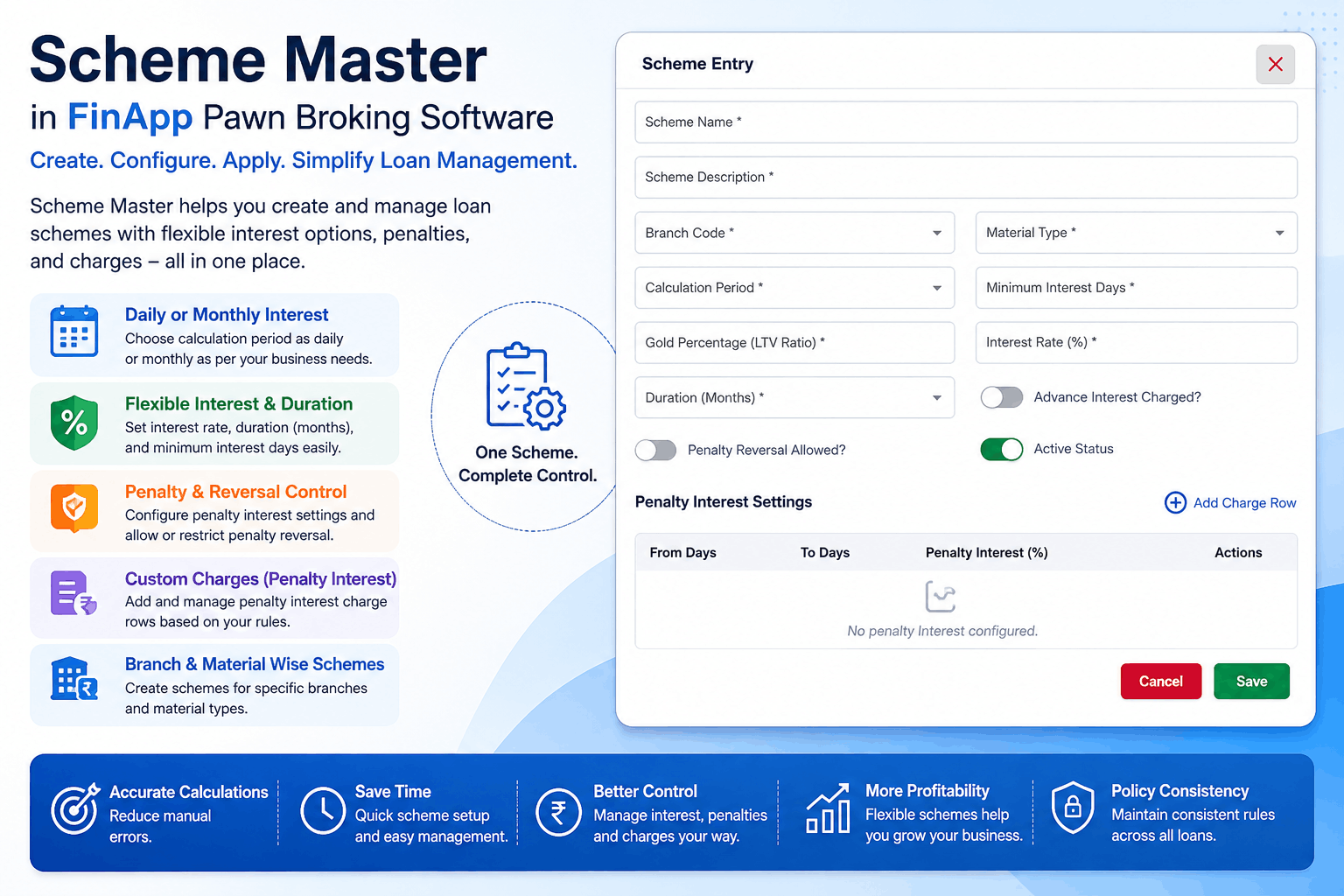
Scheme Master in Pawn Broking Software | FinApp
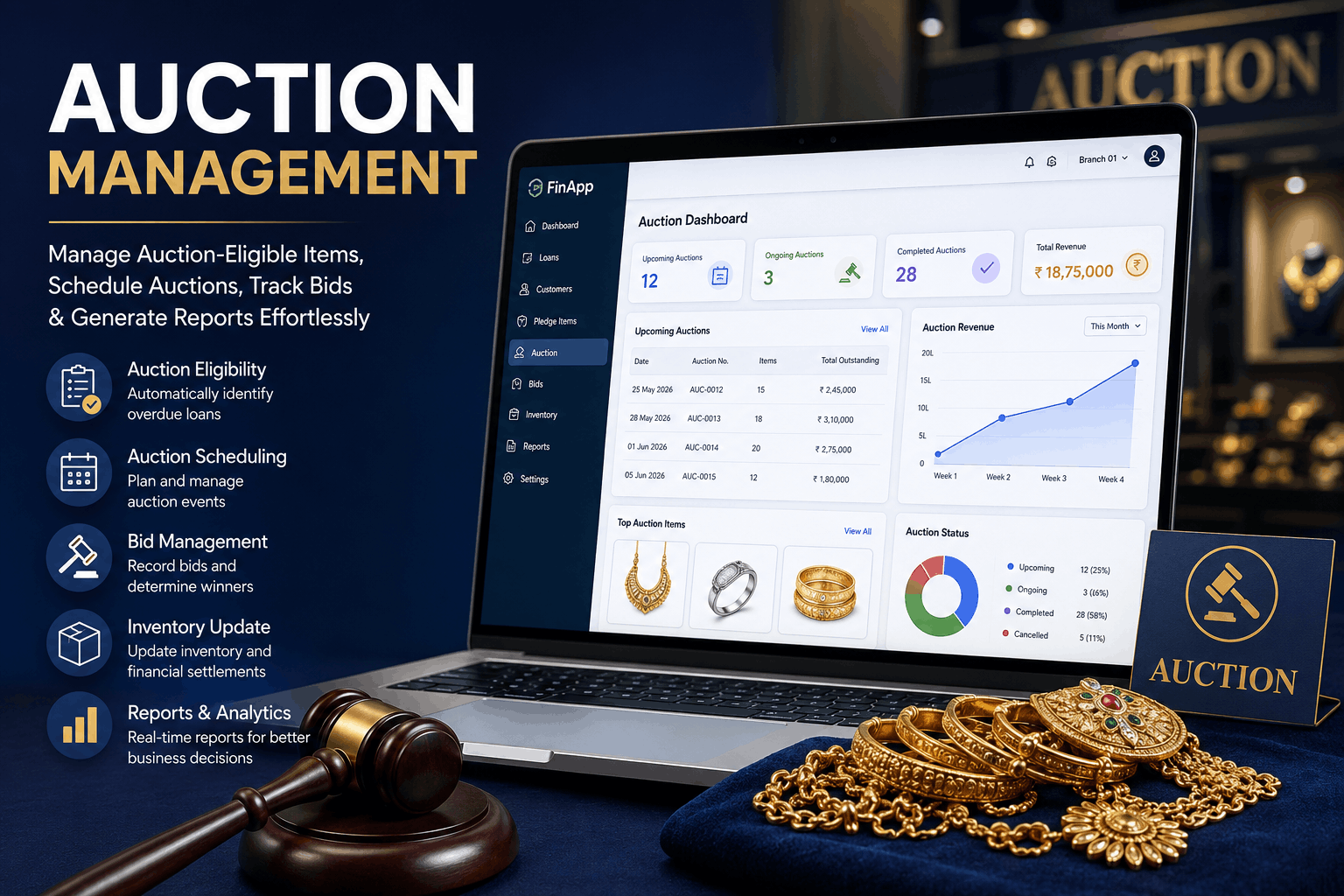
Auction Management Software for Pawn Brokers | FinApp Pawn Broking Software